Full-resolution DNG rendering
Supported DNG files use their largest display-ready image instead of the tiny thumbnail. Ricoh DNGs open at their full 25.6 MP rendered size.
MONOCHROME LAB FOR IPAD
The Mac-shaped Monochrome Lab workspace, rebuilt for touch: precise Color Response, desktop-matched Detail, Character and Finish, masks, layout, and export—without sending the photograph to the cloud.
Free to begin. No account at the door. We ask for an email only when your finished photograph is ready to export.
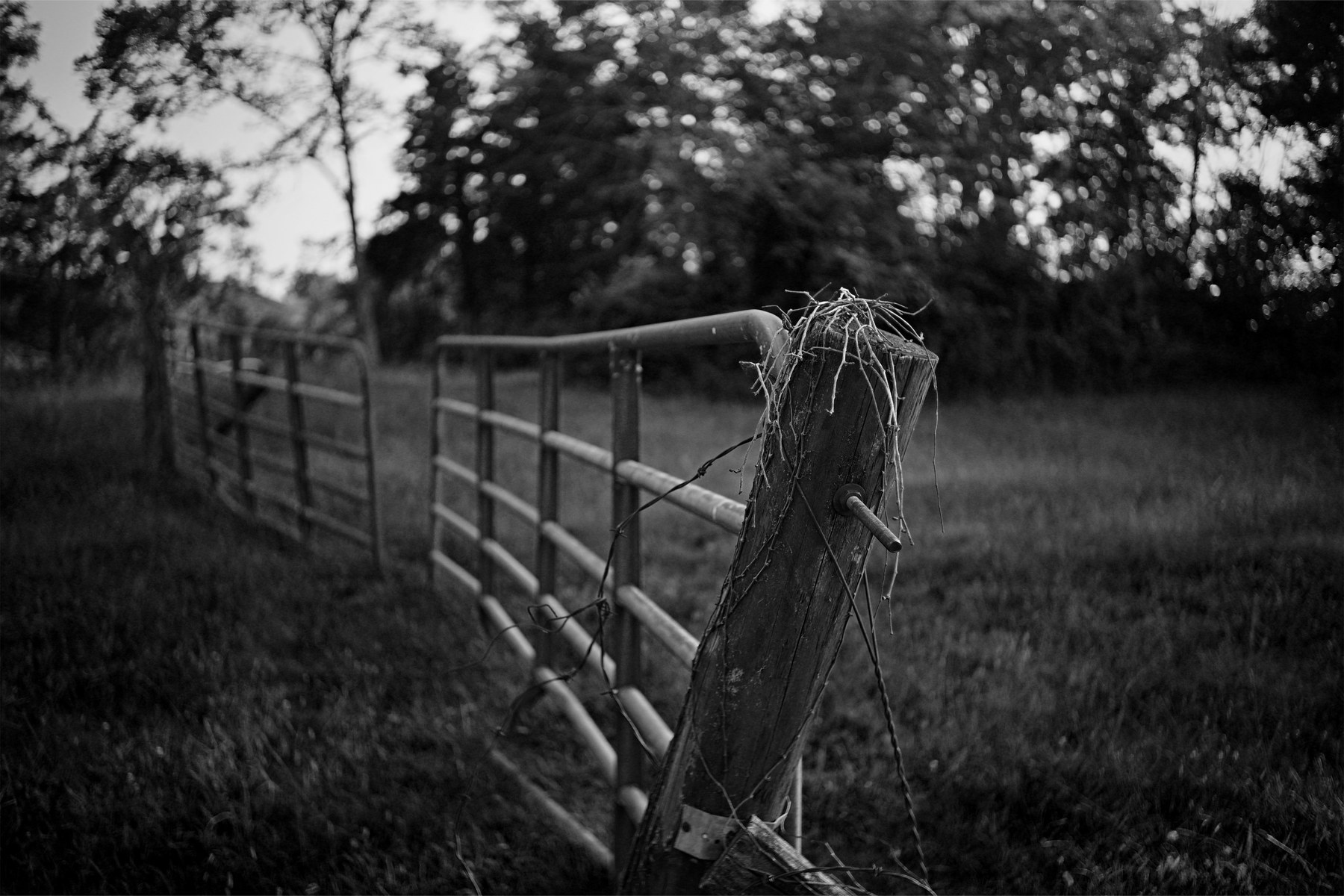
ClassicTap a Look to change the tonal preview
THE COMPLETE EDIT
Eight Color Response bands shape the colors behind the monochrome image.
Begin from a clear visual direction or save a complete self-contained editing project on your device.
Frame, straighten, rotate, flip, and choose the canvas.
Shape exposure, contrast, highlights, shadows, midtones, whites, and blacks.
Use the same focused Sharpen, Definition, and Dehaze controls as the desktop app.
Choose a luminance curve and blend its strength into the edit.
Control material style, grain, scratches, vignette, and Black Mist independently.
Add Tone, Pop, and Punch, choose a social-ready canvas, set the border, and build a page spread.
Shape local light, then save the completed photograph as JPEG, PNG, or TIFF.

BUILT FOR MONOCHROME
Monochrome Lab is not a general photo editor squeezed onto a tablet. Every control answers a black-and-white question: where the eye goes, how tones separate, and what the finished frame should feel like.
Edit a photographMADE FOR THE IPAD WORKFLOW
Supported DNG files use their largest display-ready image instead of the tiny thumbnail. Ricoh DNGs open at their full 25.6 MP rendered size.
Save a self-contained project and return to the same photograph, crop, controls, masks, Character, and Finish later.
A persistent tool rail, centered canvas, zoom and compare bar, and right-side inspector preserve the Mac editing rhythm on iPad.
Frame the photograph for social sharing or a page spread without moving it through a second app.
A clear boundary: the iPad edition opens the full-resolution rendition included by supported DNG cameras. Native sensor RAW development, high-bit processing, Library management, batch export, and tethering remain part of Monochrome Lab PRO for Mac.
A GIFT FOR YOUR DARKROOM
Share your email when you want them. Crisp keeps texture controlled and edges clean. Dramatic drives harder separation and a more graphic response.
Get the free Look pack Optional. No account is required to open or use the editor.Firm · clean · controlled
Harder separation and an intense monochrome response.
KEEP IT ON YOUR HOME SCREEN
Open this page in Safari, add it to your Home Screen, and Monochrome Lab launches in its own app window whenever you need it.
Open Monochrome LabVisit monochromelab.app/ipad on your iPad.
Use the Share button in Safari’s toolbar.
Keep “Open as Web App” enabled, then tap Add.
ONE DARKROOM. TWO WORKFLOWS.
FOR IPAD
A focused, touch-first darkroom for one photograph at a time.
FOR MAC
The complete professional workstation for RAW development and bodies of work.
MONOCHROME LAB FOR IPAD
Photographs stay on your device.