ON YOUR MAC
Monochrome Lab Pro
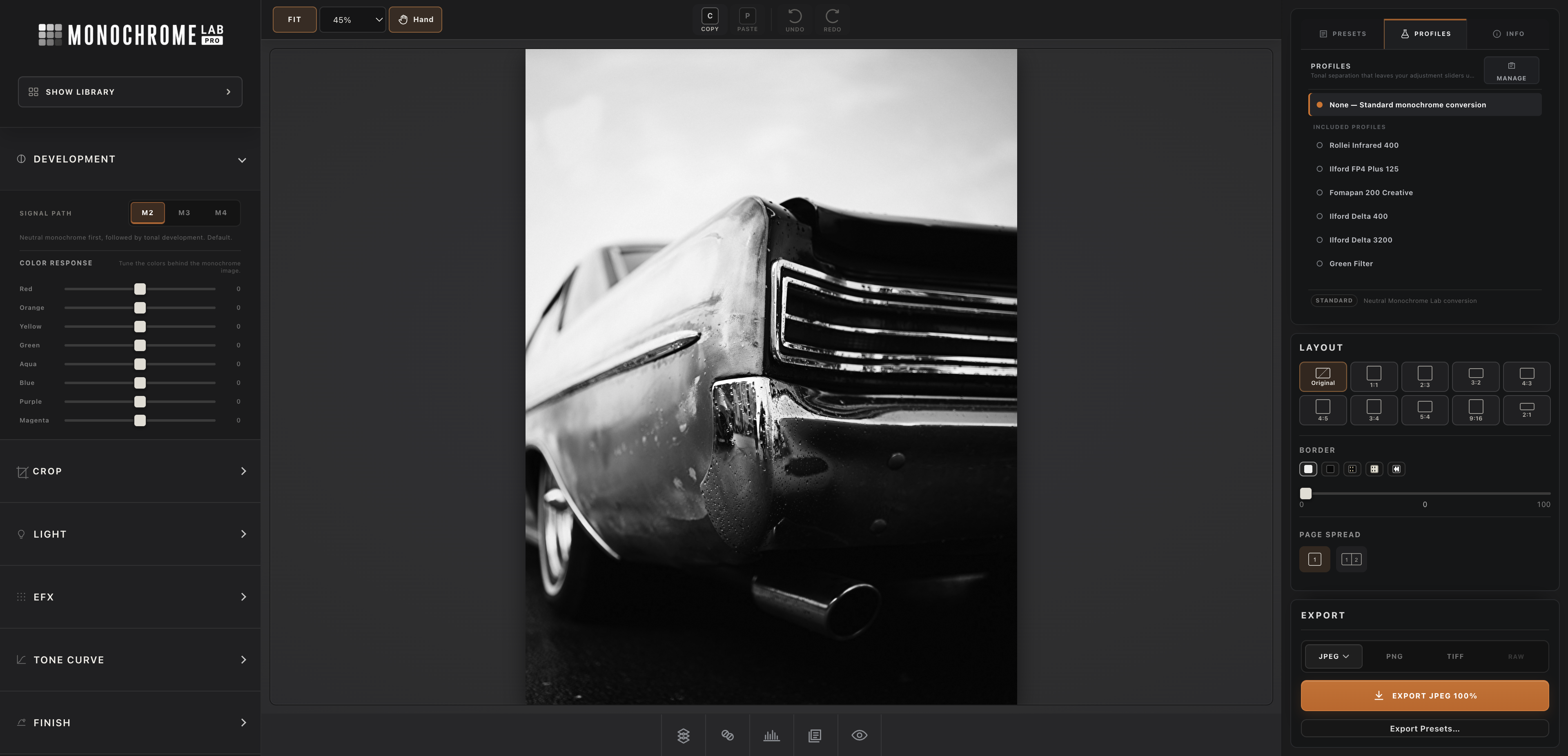
RAW development, Library, local tools, layouts, batch output, and print.
ONE MONOCHROME SYSTEM / HOME + AWAY
Your complete black-and-white darkroom on the Mac. Your Library, editor, imports, and finished photographs on your iPhone or iPad—kept in sync when you are on the go.
ON YOUR MAC
RAW development, Library, local tools, layouts, batch output, and print.
ON YOUR PHONE OR IPAD
Browse and edit your home Library, import from a card, and share Mac-rendered JPEGs.
Remote is included with Monochrome Lab Pro · One private pairing code · No router setup
NEW / INCLUDED WITH MONOCHROME LAB PRO
MLP Remote gives your iPhone or iPad a direct window into the Library on your Mac. Browse, edit, import from an SD card, and share a finished JPEG while the full MLP engine renders at home.
ONE COMPLETE DARKROOM
Develop RAW photographs, translate color into luminance, work locally with masks, keep a complete Library, compare frames, synchronize edits, build layouts, and export without leaving the application.
DEVELOP
Purpose-built monochrome rendering with precise control over light, contrast, detail, and finish.
ORGANIZE
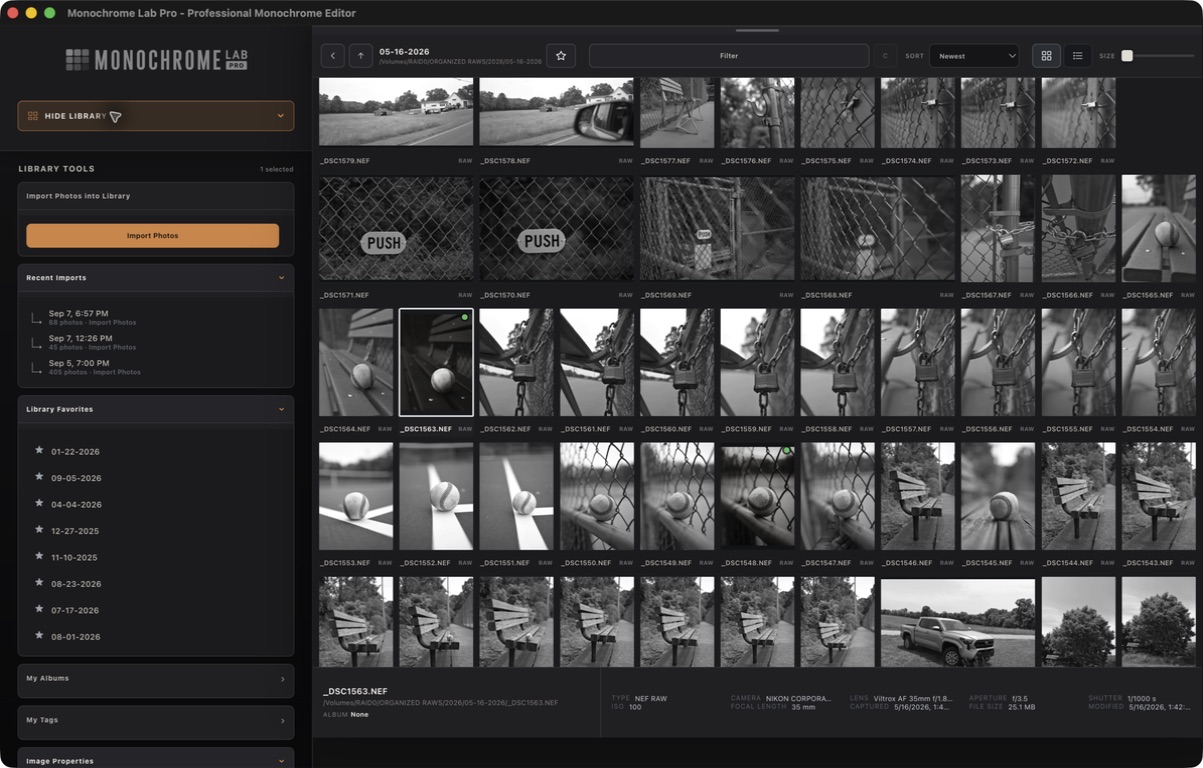
Review folders, rate, tag, search, compare, and keep a consistent treatment across a complete set.
DELIVER
Build sequences, prepare borders, save export presets, batch process, print, and deliver finished files.
CHOOSE YOUR DARKROOM
The complete native workstation with RAW development, Library, layouts, batch tools, printing, and MLP Remote.
A private, touch-first darkroom for editing one photograph at a time directly in Safari.
LEARN
Use the field notes and practical guides to understand the complete workflow, from seeing the frame to delivering the finished photograph.
MONOCHROME LAB PRO
One-time license · 14-day money-back guarantee · Direct support